How To Record Your Podcast Episode With A Smartphone
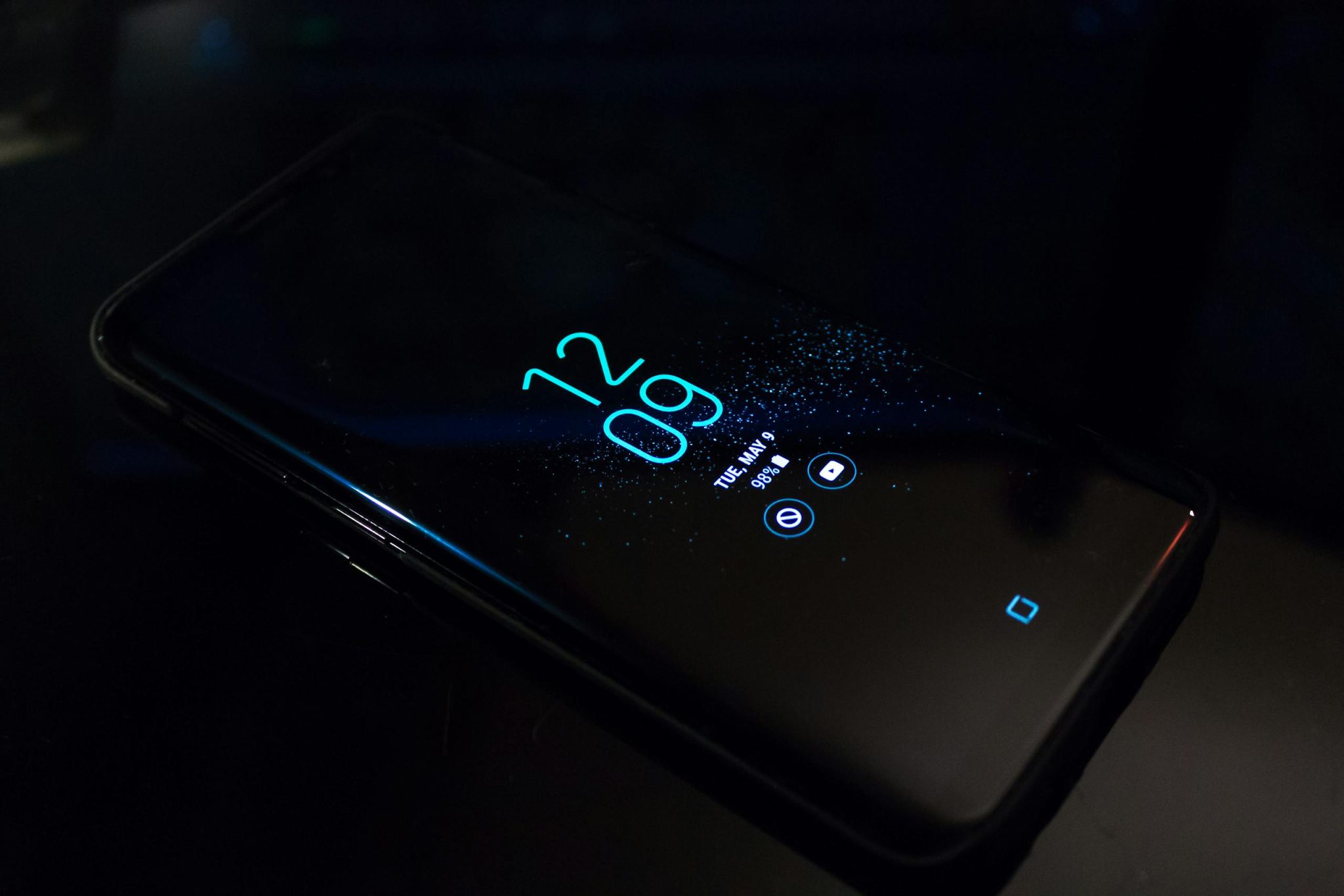
Are you wondering if recording your podcast episode with a Smartphone is possible? The answer is simply yes. You can record your podcast by using your smartphone, and this is one of the easiest ways to punch your podcast because using a computer to run the whole process can be tiring.
Learn How to Leverage Your Story through our Story To Asset Framework.
Most people have grown accustomed to smartphones that they hardly use a laptop or desktop to run their business online – I am not an exception either especially when I am not in the office!
If you want to learn ways you can record your podcast episode using a smartphone, this article is for you. Read on and discover ways to record and launch your podcast with your handy smartphone successfully.
Set Your Microphone
By now, you must have known how vital a microphone is when recording your podcast. Using a good microphone produces a high-quality sound that draws your listeners’ attention.
Smartphones, whether Android or iPhone, have a built-in microphone you can record with. But it’s not entirely advisable to record with your phone’s built-in microphone. The reason is that there are chances of having poor audio quality.
To avoid such scenarios, get a simple external microphone for yourself. Rode SmartLav+ is an omnidirectional lavalier microphone you can swiftly clip to your shirt and plug into your phone’s USB or Lightning.
With this simple microphone, you can record crisp and clear podcast audio that keeps your listeners engaged.
Use Earbuds Or Headphones
It’s important always to monitor your audio sound, and this can be done using a headphone or at least an earbud.
You use your headphones when recording to scrutinize the quality of your audio. And when editing your audio, using headphones is equally important, as it helps to easily detect the background plosives and goofy mistakes or anomalies.
Get your headphones or earbuds and insert them into your phone’s USB port using its cable or into your phone’s lightning port before and after recording for easy scrutiny of your audio.
Record With A Recording App
Just after fixing your microphone and headphone, head over to your recording app. With software like Anchor or Audacity, you can record and polish your audio using your smartphone.
The best software option for beginner podcasters is Audacity, considering its free option, and it’s compatible with Android and iOS. However, another excellent free option for recording and editing is GarageBand, but only suitable for Mac users.
Riverside is another excellent option for recording your podcast episode with a smartphone, especially if you want studio-quality audio and video without complex setups. With Riverside, your audio and video are recorded locally on your device for higher quality, even if your internet connection fluctuates, and it also offers built-in tools like AI transcripts and clips, with a free plan available for beginners.
Set Your Phone In A Comfortable Position
Avoid holding your phone when recording to avoid capturing unwanted plosives. When recording with your smartphone, always try to mount it in a suitable position. If possible, get a tripod phone stand to help you set your phone in a good position before recording.
You can get a minimum-priced phone stand from Amazon.
Set your phone and microphone in a position 30cm away from where you are speaking so that you can grasp rich audio quality.
Record In A Quiet Room
Choose a quiet room with little or no reflective sound effects when recording your podcast. Staying in a room with no background plosives enhances your audio quality and makes the editing process a breeze.
It’s best to turn off your air-conditioning, fans, and TV set before recording your audio. If possible, give the room a little acoustic treatment for a quality sound result.
Use A Good Audio Level
Your audio level is another important thing to be considered before recording your audio.
If your audio level is too high, your listeners will have a hard time listening to your audio; likewise, if your audio level is too low. When working with recording software, adjust its audio level as most software has an audio level meter that shows how high or low incoming audio is.
Thus, before recording your audio, ensure you adjust the level meter of the record app to have a pristine audio sound.
Concluding note on How to Record Your Podcast Episode With A Smartphone
As much as recording with a smartphone is demeaned, it’s still the easiest way to start your podcast show if you don’t have enough funds to purchase a computer.
Using a smartphone to record makes the work simple and easy-going, but for you to attain professional sound quality, you have to follow the above guidelines.
Learn How to Leverage Your Story through our Story To Asset Framework.